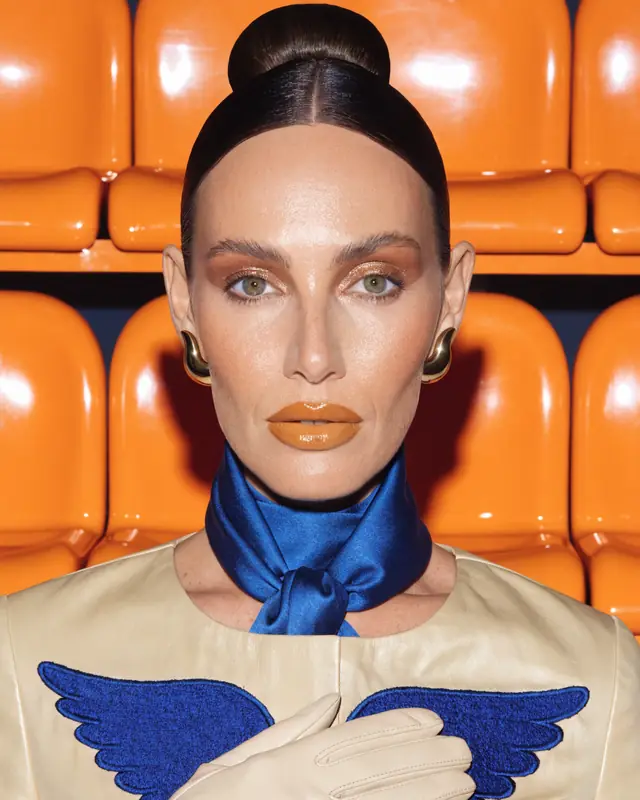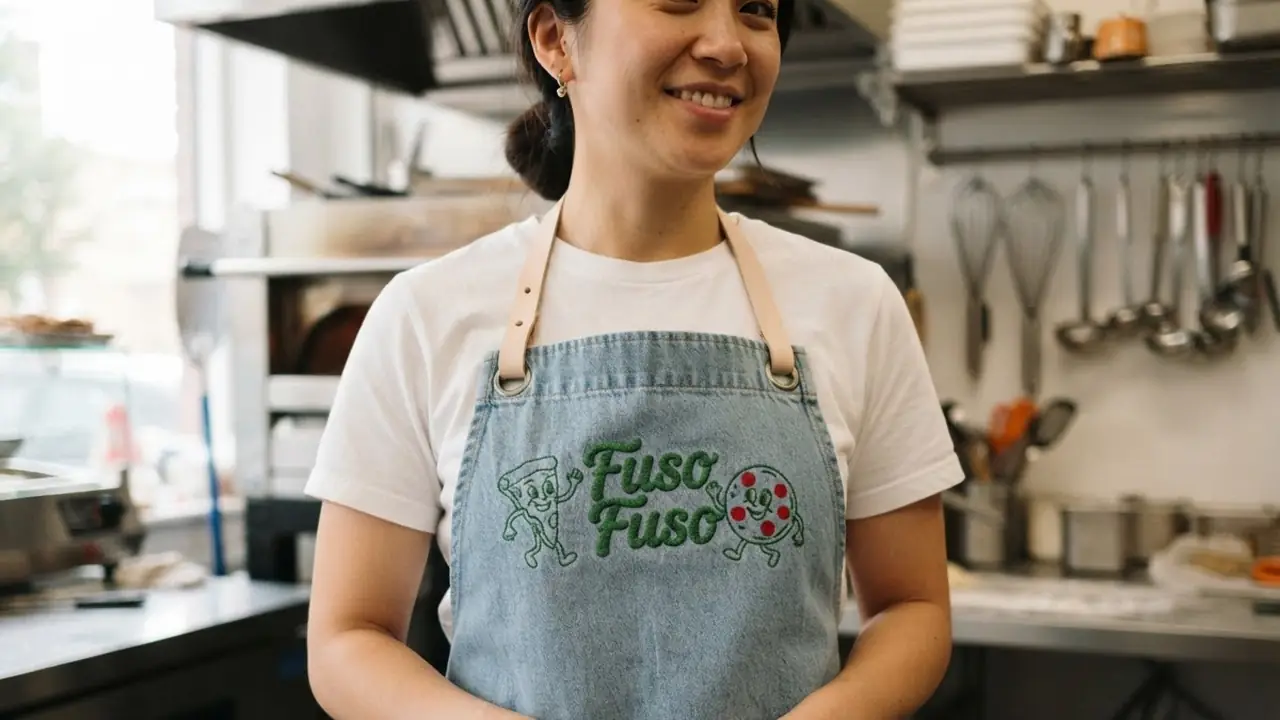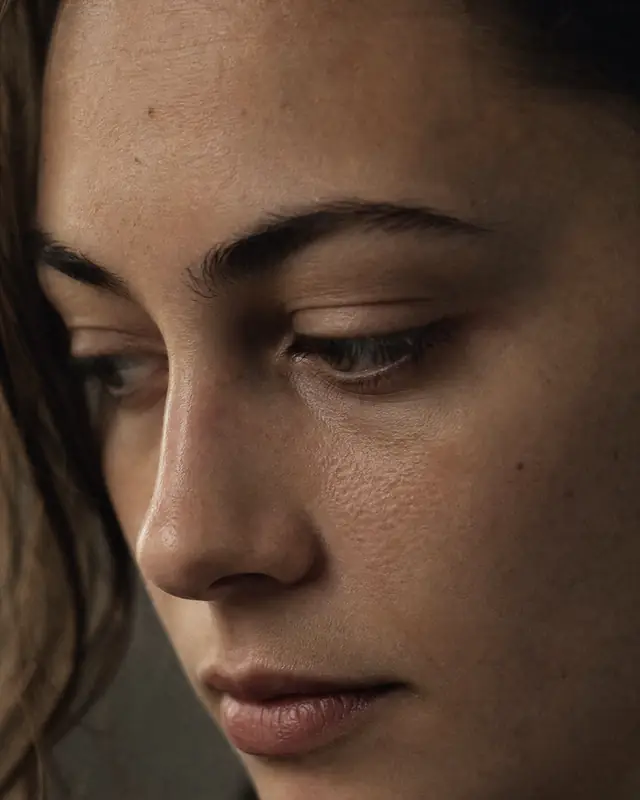
How to do an AI photoshoot in AIGE
- Save a character from a few clear photos of the face (front and three-quarter work best).
- Pick the character and an image model, then describe the shoot: outfit, pose, location, light and lens, for example "editorial, 85mm, golden hour, linen suit".
- Or open the Fitting Room, stack pieces from the wardrobe into a look and pick a pose preset.
- Check the credit cost shown next to Generate, run a set, and keep the best frames. A failed image gives its credits back.
- Render the keepers at 2K or 4K, lay them out as a carousel in the Atelier, or animate one with Kling.
Run your first shoot
Save your face as a character, describe the look, and see the credit cost before you press Generate. Every photo in the set keeps the same face.
Planning your week is free. Making needs a plan; cancel anytime.
AI photoshoot price per photo in AIGE
Credits as charged in AIGE (cr = credits). Background removal is available on any result. The studio shows the exact cost before every run.
What it is best at
Headshots
A LinkedIn, speaker or team headshot in the light and background you want, from photos you already have.
Creators and personal brands
A week of photos in different places and outfits without booking a shoot, all recognisably you.
Clothing brands
One model character wearing each look from the Fitting Room wardrobe, in the same pose and light across the set.
Products in a scene
Attach a photo of the product and describe the scene; the image edit places it there. There is no dedicated product-photo tool yet.
What it can't do
- The Fitting Room dresses a character from its built-in wardrobe; you can't upload your own garments to it yet.
- Hands, small logos and text on clothing can come out wrong; check each photo before you publish.
- The face holds best with clear, well-lit source photos; blurry or heavily filtered ones weaken it.
- Only use faces you have the right to use. FaceShield can register your own.
AI photoshoot: questions people ask
What is an AI photoshoot generator?
A tool that makes new photos of a person, from a few of their existing photos, in outfits, poses and places they were never shot in. In AIGE the person is saved once as a character, so every photo keeps the same face.
Is there a free AI photoshoot generator?
Not in AIGE: every photo is paid in credits, from 8 credits at 1K, with plans from $8.55 a month. Planning a week of content is free.
How much does an AI photoshoot cost?
A 1K photo costs 8 credits on Nano Banana 2 and 30 at 4K on Nano Banana Pro; a Fitting Room look costs 8. A set of ten 1K photos costs 80 credits on Nano Banana 2.
Can I make AI headshots for LinkedIn?
Yes. Save your face as a character and describe the headshot: background, clothing, light and framing. Generate a few and keep the one that looks most like you.
Can I use it for my clothing brand?
Yes, with one model character across every look. The Fitting Room combines up to 10 wardrobe pieces per look with pose presets, so a whole collection shares the same face, pose and light.