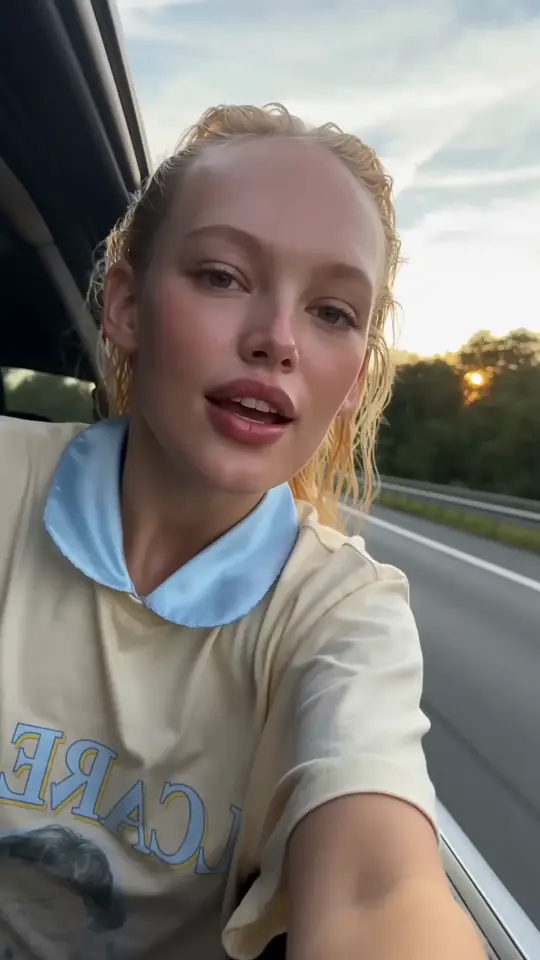
How to turn an image into a video in AIGE
- Crop the picture to the shape the clip should have (9:16, 4:5, 1:1 or 16:9) before you start: on several models, Kling included, the clip takes its shape from the picture.
- Open the studio, or put a Video widget on the Canvas, and add the picture as the start frame. A saved character's picture works too.
- Write only the motion: what moves, how the camera travels and what happens in the shot. The picture already decides the face, the product and the light.
- Pick the model, the length and sound on or off. Add an end picture if the shot has to land on a set frame.
- Check the credit cost shown next to Generate, then run it. Cut the clip together with your other shots on the Canvas timeline.
Bring one of your photos to life
Describe the motion you want, pick a plan, and the studio opens with your draft. The credit cost shows before you press Generate.
Drafting is free. Generating uses credits from a plan; cancel anytime.
What a clip from your image costs in AIGE
Credits as charged in AIGE (cr = credits); the start picture adds nothing. Seedance reference clips are billed on top. A 10-second Kling V3 Pro clip is $4.24 on Pro; 8 seconds of Veo 3.1 Pro (320 cr) needs Premier. The studio shows the exact cost before every run.
Which model to animate your image with
Kling V3
A person or product has to move naturally; sound optional
Lengths: 3 to 15 sVeo 3.1
The shot needs its sound made with it: ambience and effects
Lengths: 4, 6 or 8 sSeedance 2.0 / 2.5
You have several pictures of the same subject to use as references
Lengths: Up to 15 s / 30 sKling 3 Turbo
You want Kling motion faster and only need a start frame
Lengths: 3 to 15 sWhat image to video is best for
Product shots that stay on brand
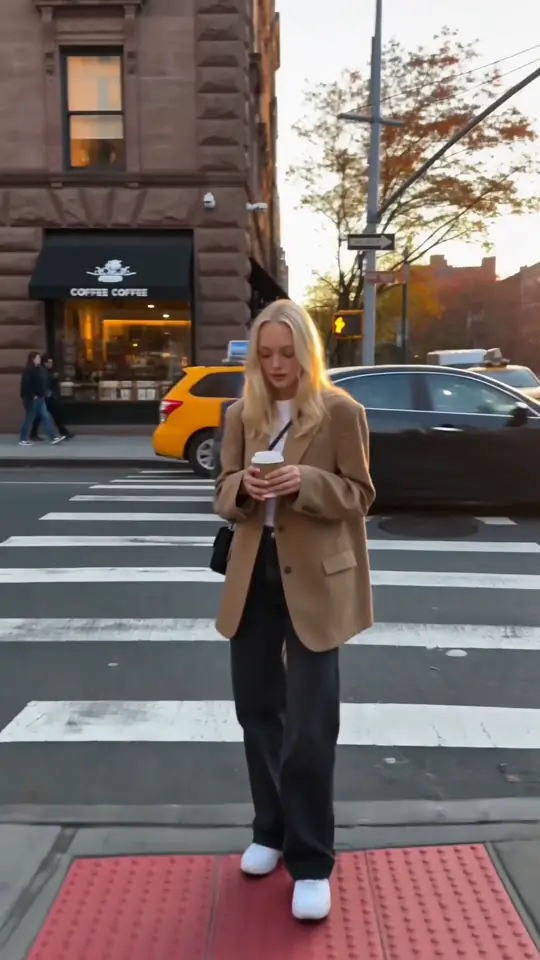
Start from the packshot you already approved: the label, colour and light are fixed by the picture, and the prompt only adds the turn, the pour or the push-in.
The same person in a new scene
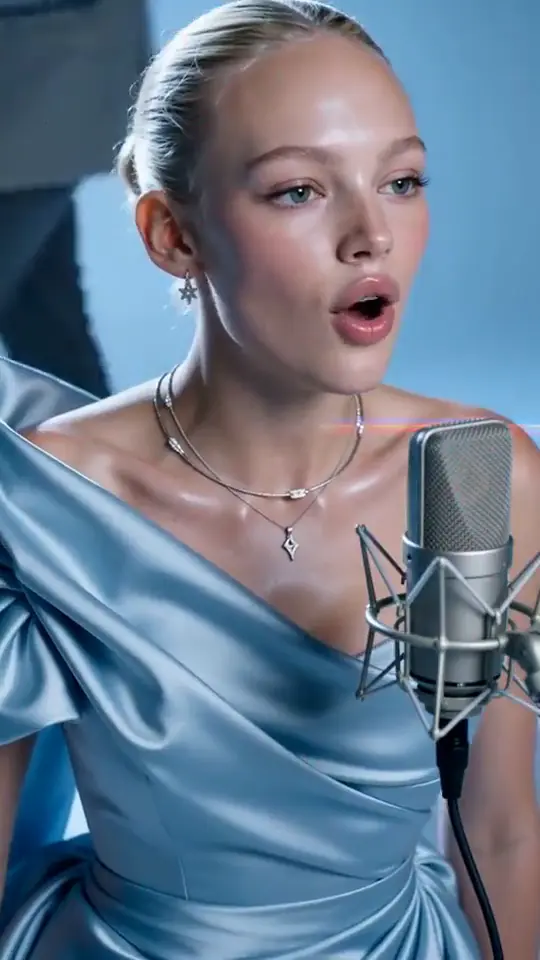
Start from a picture of a saved character and the first frame is exactly that face. Over several shots, keep using the same character so the person stays the same.
Landing a transition
Give a start and an end picture and the model moves from one to the other: a reveal, a before and after, or the bridge between two shots of a cut.
Bringing a still campaign to motion
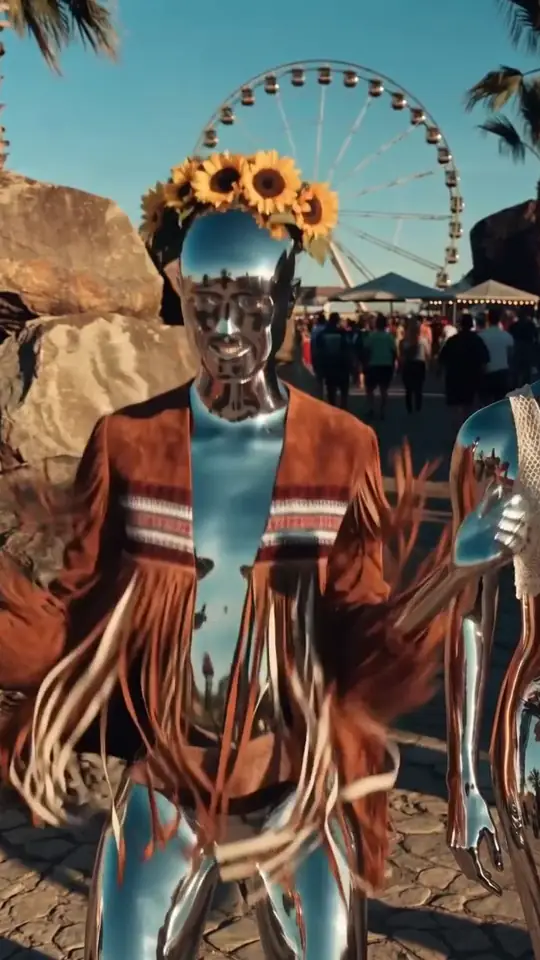
Turn the images of a carousel or a shoot into short clips without reshooting, then cut them together on the Canvas timeline.
What it can't do
- The first frame matches your picture exactly; as the clip moves, faces and small details can drift. Shorter clips drift less.
- AIGE has no lip-sync: it can't make a face in your photo speak an uploaded voice track, and it has no text-to-speech.
- On several models the clip takes the shape of the picture, so a square photo gives a square clip.
- Kling 3 Turbo takes a start picture only, no end picture.
- On Starter, Kling and Seedance 2.0 Fast clips run up to 5 seconds and Veo 3.1 up to 4; longer clips on them need Pro or above.
Image to video: questions people ask
What is image to video AI?
It is AI video generation that starts from a picture you supply. The model treats the image as the first frame and animates what happens next, so the subject, framing and light come from your picture and the prompt only describes the motion.
How much does it cost to turn an image into a video?
In AIGE the start picture adds nothing: you pay the model's price for the length and settings. A 4-second Veo 3.1 Lite clip with sound is 20 credits ($0.57 on Starter); a 5-second Kling V3 Pro clip with sound is 84; a 10-second one is 168. Plans start at $8.55 a month.
Can I set the last frame as well as the first?
Yes on every AIGE video model except Kling 3 Turbo. Give a start picture and an end picture and the model generates the motion between them.
How long can a clip from one image be?
Kling makes 3 to 15 seconds, Veo 3.1 makes 4, 6 or 8, Seedance 2.0 up to 15 and Seedance 2.5 up to 30 in one shot. On Starter, Kling and Seedance 2.0 Fast clips run up to 5 seconds and Veo 3.1 up to 4; 8 to 10 second clips on them need Pro or above.
Will the person in my photo look the same in the video?
The first frame is your photo, so it starts exact. Faces can drift as the clip moves, especially with fast turns. For a series of shots of one person, save them as a character in AIGE and start every clip from that character.
Does image to video make sound?
Veo 3.1 and Seedance generate sound with the clip by default, and on Kling V3 it is a switch: the clip is cheaper without it. AIGE does not lip-sync a face to a voice track you upload.
Is image to video free in AIGE?
No. Planning in AIGE is free; making clips needs a plan, from $8.55 a month. The credit cost of every clip shows before it runs.