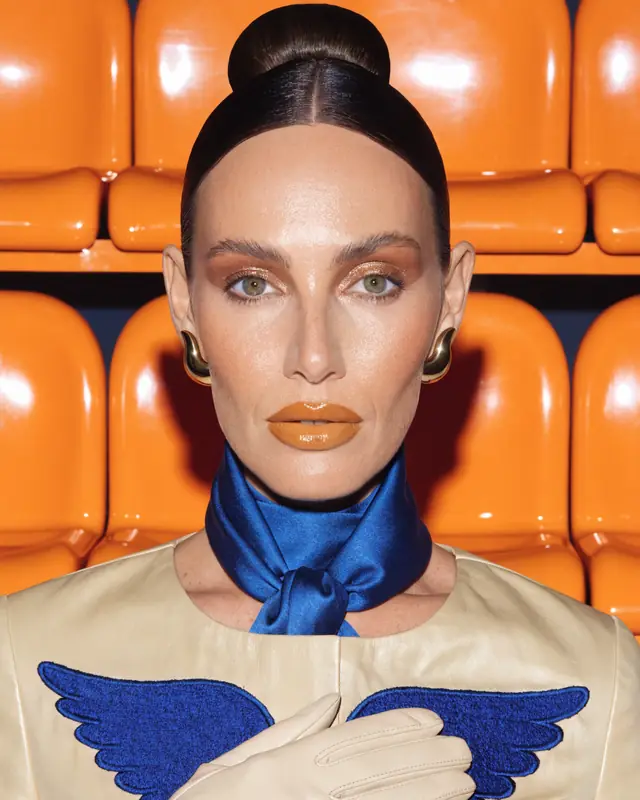
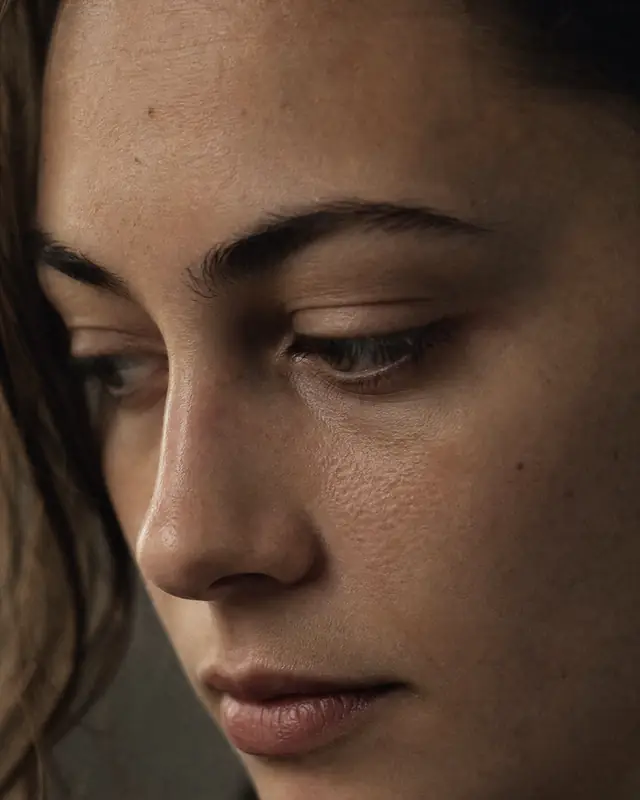
The method: one character, many shots
- Build a reference set first: one sharp, front-facing portrait in even light, then a three-quarter view, a profile and a full-length shot. Make them in AIGE or use photos you have the right to use.
- Save the set as a character in AIGE: give it a name, pick the avatar, and put the rest in its gallery.
- Write one identity line and never reword it: age, hair, eyes, build and one or two marks that make the face this face. Change only the scene, outfit, pose and light around it.
- Make the stills with the character selected and its best references ticked. Regenerate any image where the face drifted, and add the good ones back to the gallery.
- Animate from approved stills: put the image in as the clip's start frame, keep clips short, and check each one before you build on it.
- Cut the shots together on the Canvas timeline, and reuse the same character for next week's set.
Start your character
Describe who they are and the first scene. Pick a plan and the studio opens with your draft; the credit cost shows before you press Generate.
Drafting is free. Generating uses credits from a plan; cancel anytime.
What a character series costs in AIGE
Credits as charged in AIGE (cr = credits); dollars at each plan's own price per credit. Retakes cost the same as first runs, so budget for some. The studio shows the exact cost before every run.
Proof: one character, seven separate clips
These are stills from seven clips of Aurora, a character made in AIGE, each generated as its own clip in a different place, outfit and light. The same clips play on the AIGE home page.
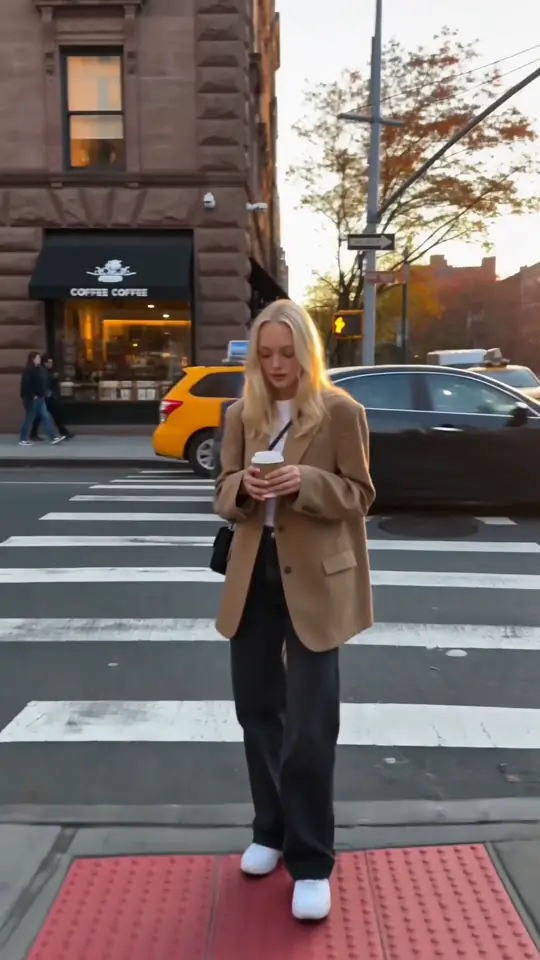
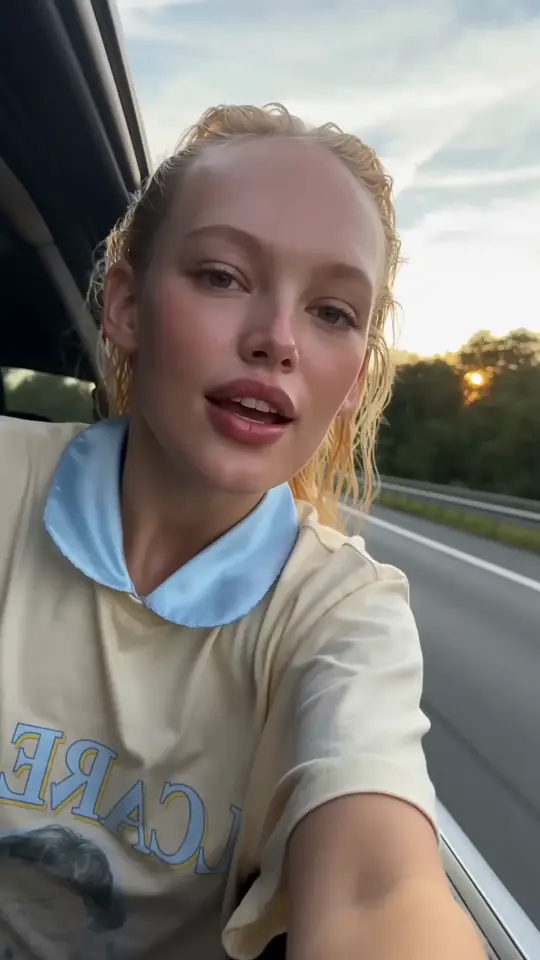
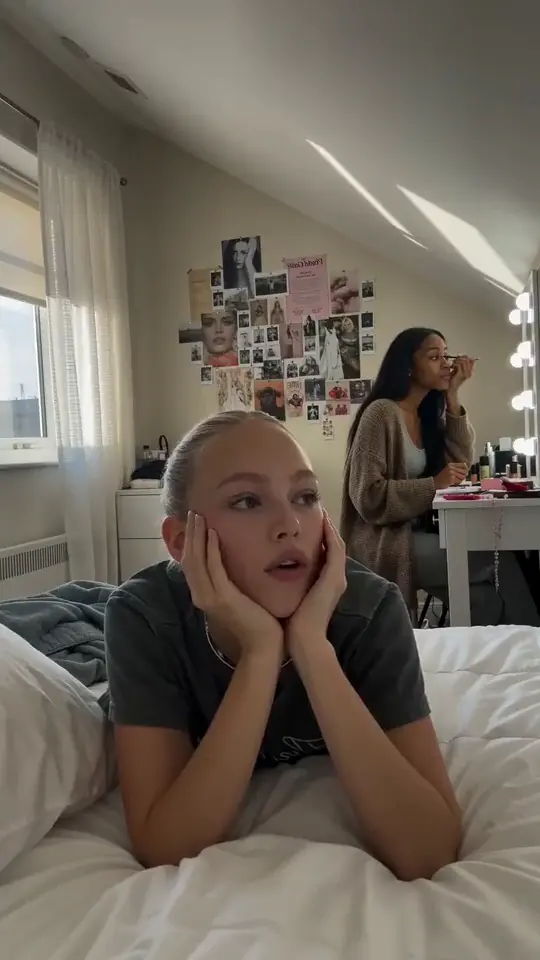
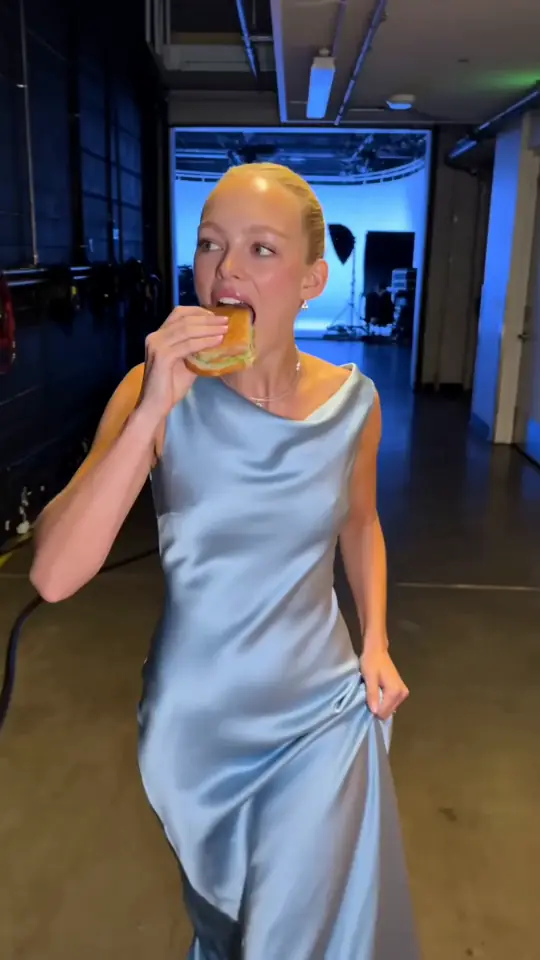
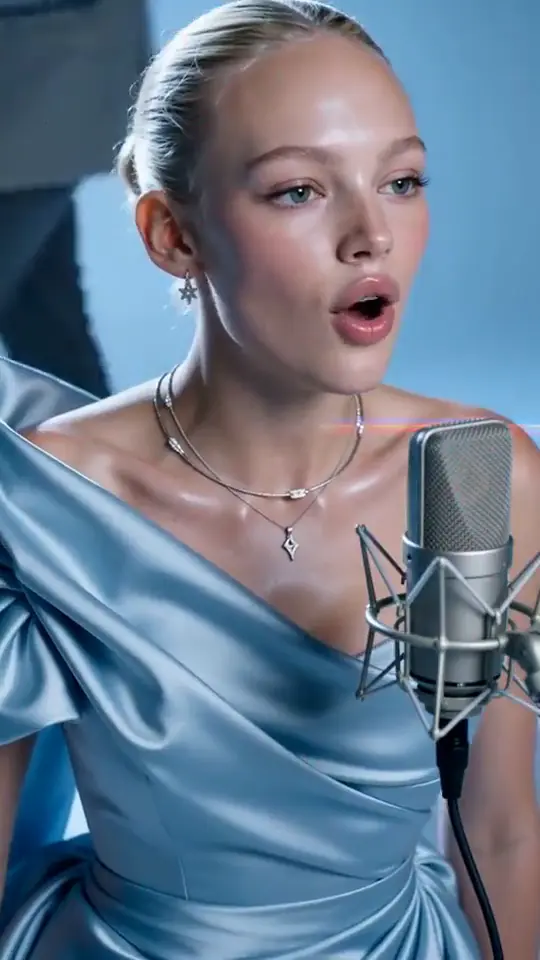
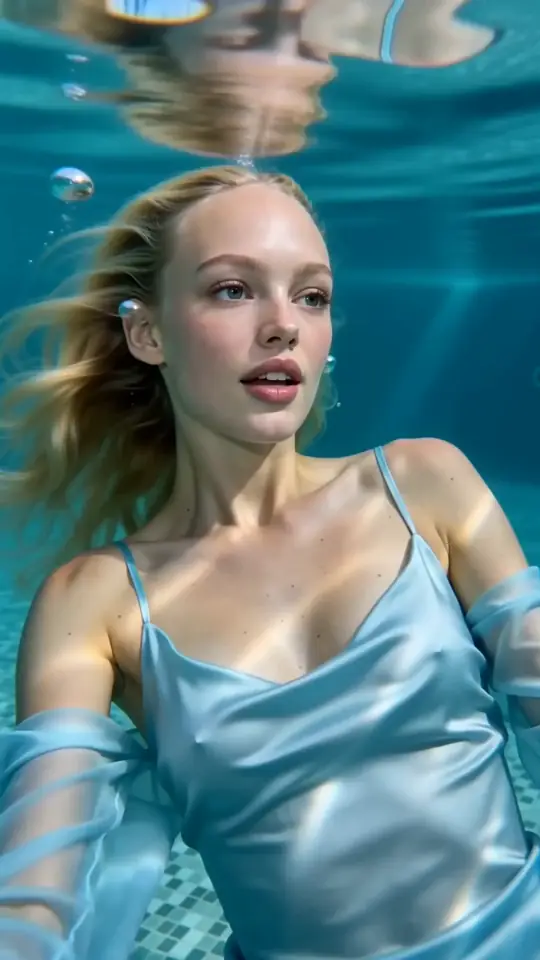
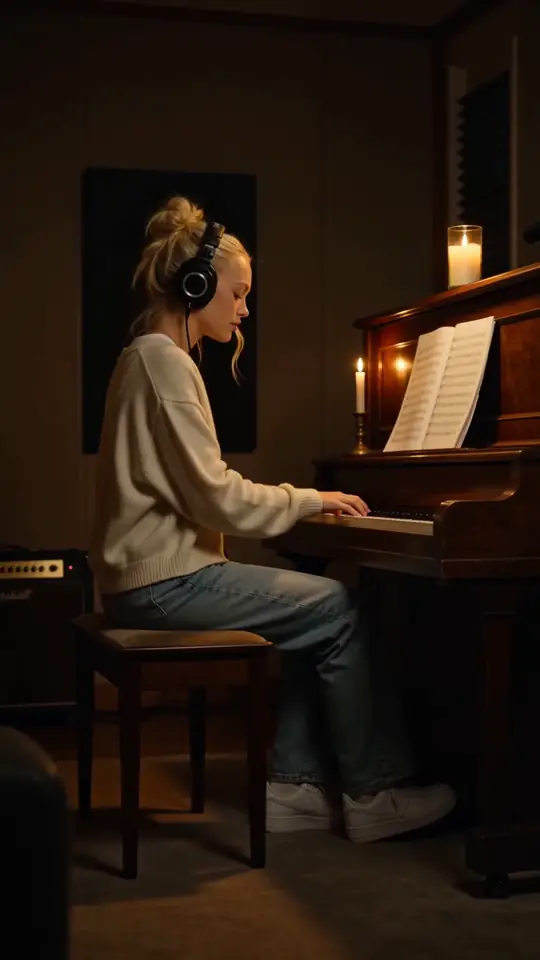
What holds across all seven: the face shape, the light eyes, the blonde hair and the build, so she reads as the same woman from a street crossing to underwater.
What varies, and is worth knowing before you start: hair styling (loose, tied back, wet), makeup and how polished the skin looks change with the scene's look, and the far or side-on shots (the street, the piano) carry less of the face than the close ones. That is the normal behaviour of today's models, which is why the method checks every shot.
Why faces drift, and what fixes it
Most generators start from nothing on every prompt, so the same words return a new face each time. Consistency comes from what the model is given: reference photos for an image, a start frame for a clip. Rewording the description between shots is the most common cause of drift, which is why the identity line never changes.
Drift grows with distance from the references: extreme angles, heavy stylisation, fast head turns and long clips. Keep the hard shots short, start every clip from a still you have already approved, and add the best results back to the character's gallery so the references get better as the series grows.
The same method from Claude, ChatGPT or Cursor
Over AIGE's MCP server an assistant can do each step: create the character (antix_create_character), add reference photos by link (antix_add_to_character_gallery), set the avatar, then generate with the character. An image made with a character draws on up to its 10 newest reference photos, or its avatar if it has none; a clip with a character and no picture starts from its newest gallery photo, then the avatar.
Claude does not pass images attached in the chat to tools, so give it a link to each reference photo, or add them in the AIGE studio first.
Which tool holds the face where
New stills of the character
Nano Banana 2 or Pro with the character's references
Why: Edits from reference photos keep the face; Pro for close-upsA clip of the character
Kling V3, Veo 3.1 or Seedance from an approved still
Why: The first frame is exactly your characterTwo or more people in one clip
Kling V3 with elements, one per person
Why: Each person comes from their own picturesA long single shot
Seedance 2.5 with several reference images
Why: Up to 30 seconds in one shot, built from referencesWhat a consistent character is for
An AI influencer or persona
One recognisable face across a feed of posts and short clips, built once and reused every week.
A brand mascot or recurring host
The same character in every campaign image and product clip, so the audience learns the face.
A short film with a lead
Stills for each shot, then clips started from them, cut together on the Canvas timeline.
You, in places you have not been
A character built from your own photos, for a photoshoot or a series of posts.
What it can't do
- A saved character is a strong anchor, not a lock: extreme angles, heavy styles and fast motion can still change small details. Check every shot.
- AIGE characters don't talk on cue: there is no lip-sync and no voice generation. Veo 3.1 and Seedance make their own sound with a clip.
- Only build characters from photos you have the right to use, and from real people only with their consent.
- Long clips drift more than short ones; build longer scenes from several short shots.
AI character generator: questions people ask
How do I keep the same character in every AI image?
Give the model the same references every time instead of a new description. In AIGE, save the character with an avatar and reference photos, select it for each image, keep one identity line unchanged in your prompts, and add the best results back to its gallery.
How do I keep a character consistent in AI video?
Start each clip from an approved still of the character, so the first frame is exactly them, and keep clips short. For two people in one shot, Kling V3 can take each person from their own pictures.
How many reference photos does a character need?
A few is enough to start: a sharp front portrait, a three-quarter view, a profile and a full-length shot. Add good results to the gallery as you go.
What does it cost to make a character series?
In AIGE a 1K Nano Banana 2 image is 8 credits and a 5-second Kling V3 clip with sound is 84. Six images and three short clips come to 300 credits, $8.55 on Starter. Plans start at $8.55 a month.
Can I make an AI character from my own photos?
Yes. Upload your photos as the character's references, or give them to the AI agent with a name. Use only photos you have the right to use.
Is the AI character generator free?
No. Planning in AIGE is free; making images and clips needs a plan, from $8.55 a month, and every generation shows its credit cost first.
Can my AI character talk?
Not on cue. AIGE has no lip-sync and no voice generation tool, so you cannot choose or keep a voice. Veo 3.1 and Seedance generate sound with a clip, and you can add your own audio in the video editor.