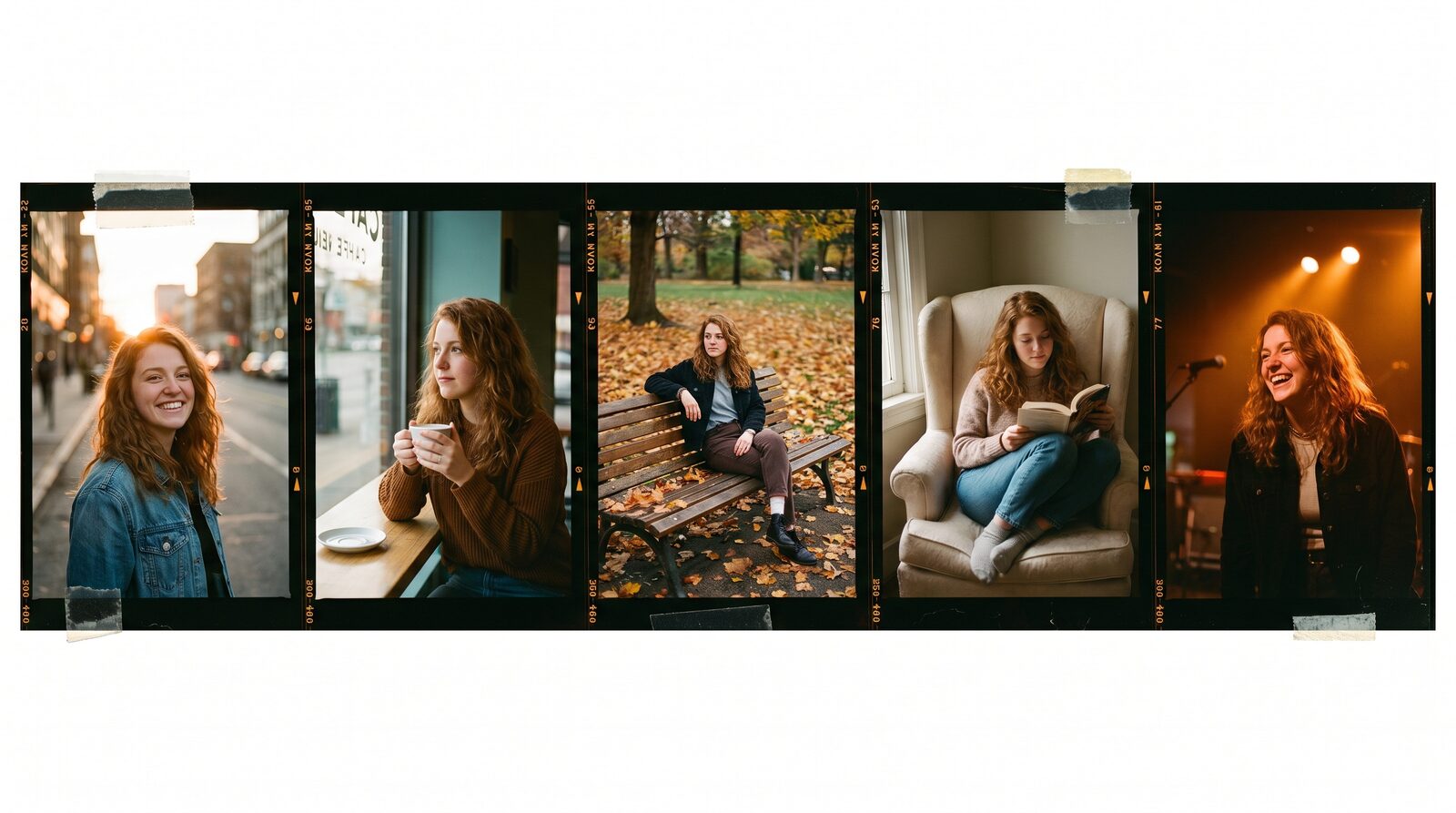
Creating an AI influencer requires designing a unique facial identity, locking that likeness across still photos and video reels, and establishing a consistent aesthetic for your feed. In AIGE, you create and save a character from reference photos, dress them in the Fitting Room, and generate daily posts and Reels using Kling and Nano Banana without character drift. You do not need expensive local GPU rigs or complicated model training.
The virtual creator space on Instagram and TikTok has shifted rapidly from experimental novelties to full commercial entities partnering with fashion and lifestyle brands. However, ninety percent of aspiring creators fail in the first week because their character looks like a different person in every post. Here is the exact production blueprint to build, style, and grow a virtual influencer with a persistent identity on one board.
Step 1: Build and lock your character identity
A successful virtual creator needs distinct facial geometry that readers instantly recognize in their feed. Generating a random person with a descriptive text prompt creates variations in jawline, eye spacing, and nose shape every time you run a new scene.
In AIGE, open the AI character generator. Upload five to eight consistent reference angles of your intended persona, or generate a base concept and lock it as your master identity. Once saved, this character profile sits in your project drawer. Whenever you generate an outfit photo, a street lifestyle shot, or a video reel, selecting that character pins their facial structure across models.
Step 2: Style outfits and poses in the Fitting Room
An influencer feed relies on wardrobe variety. Rather than trying to describe complex fabrics and silhouettes in raw prompt strings, use the virtual Fitting Room to dress your character.
Select your saved persona, choose an outfit from the garment catalog or upload a reference look, and choose a natural lifestyle pose. AIGE generates clean fashion shots that preserve your model's body proportions and facial likeness. This separation of character identity from clothing allows you to simulate high-end fashion shoots in minutes.
Step 3: Animate your influencer for Reels and TikTok
Static pictures alone cannot sustain modern social growth. Virtual influencers must speak, move, and react in short-form video formats to build authentic audience relationships.
Using the image-to-video workflow, drop your best 9:16 portrait into the video picker. Select Kling V3 Pro for human movement nuances or Veo 3.1 Fast for atmospheric outdoor sequences. Keep motion prompts natural: subtle head tilts, smiling at the camera, or adjusting sunglasses. Generate five to eight second clips that match the pacing of trending sound formats on Reels and TikTok.
Step 4: Plan a cohesive weekly content cadence
Consistent posting builds an audience faster than sporadic viral attempts. Use the Instagram content planner to establish a balanced grid.
Aim for a proven four-part weekly cadence: two lifestyle portraits, one behind-the-scenes or studio still, and two vertical video reels showing natural movement. Keeping your visual world anchored in consistent lighting palettes—such as bright daylight street photography or warm golden hour tones—creates a unified, premium profile aesthetic.
Creator monetization status and disclosure compliance
Building an audience is an investment in future monetization. Please note that creator payments on AIGORA are currently paused while secure settlement systems are upgraded; however, profile publishing and community growth remain fully active.
Additionally, adhere strictly to regulatory disclosure rules. The Federal Trade Commission (FTC 16 CFR Part 255) and major platforms mandate clear labeling for synthetic personas. Always include #ai, #digitalhuman, or #virtualcreator clearly in your bio and post captions. Transparency builds genuine audience trust and prevents platform penalties.
Production cost breakdown for a virtual influencer
Here is what it costs to produce a full month of thirty high-resolution posts and Reels in AIGE:
Content Format | Recommended Model | Monthly Volume | Credit Rate | Total Credits |
|---|---|---|---|---|
Lifestyle Stills | Nano Banana 2 | 18 images | 8 credits / img | 144 credits |
High-Res Fashion Shots | Nano Banana Pro | 6 images | 15 credits / img | 90 credits |
Vertical Video Reels | Kling V3 Pro / Veo | 6 clips (5s) | 56 to 60 credits | 348 credits |
A full month of production consumes roughly 582 credits, covered easily by a standard Starter or Pro plan without needing enterprise subscriptions or third-party render farms.
Quick answers
Question | Answer |
|---|---|
Do I need a real person to model my AI influencer? | No. You can generate a synthetic persona from scratch or build one from reference images. |
Can my AI influencer wear real clothing brands? | Yes. You can upload reference images of specific garments into the Fitting Room to style your character. |
Is an AI influencer legal on Instagram and TikTok? | Yes, provided you follow platform guidelines and disclose that the account is an AI-generated persona. |
How long does it take to make one week of content? | With your character profile saved, generating seven posts and reels takes under one hour. |
Do this next
Open the AI character generator to build and save your influencer's face. Once saved, open the AI influencer studio and produce your first three profile images.
Comments
Be the first to comment.