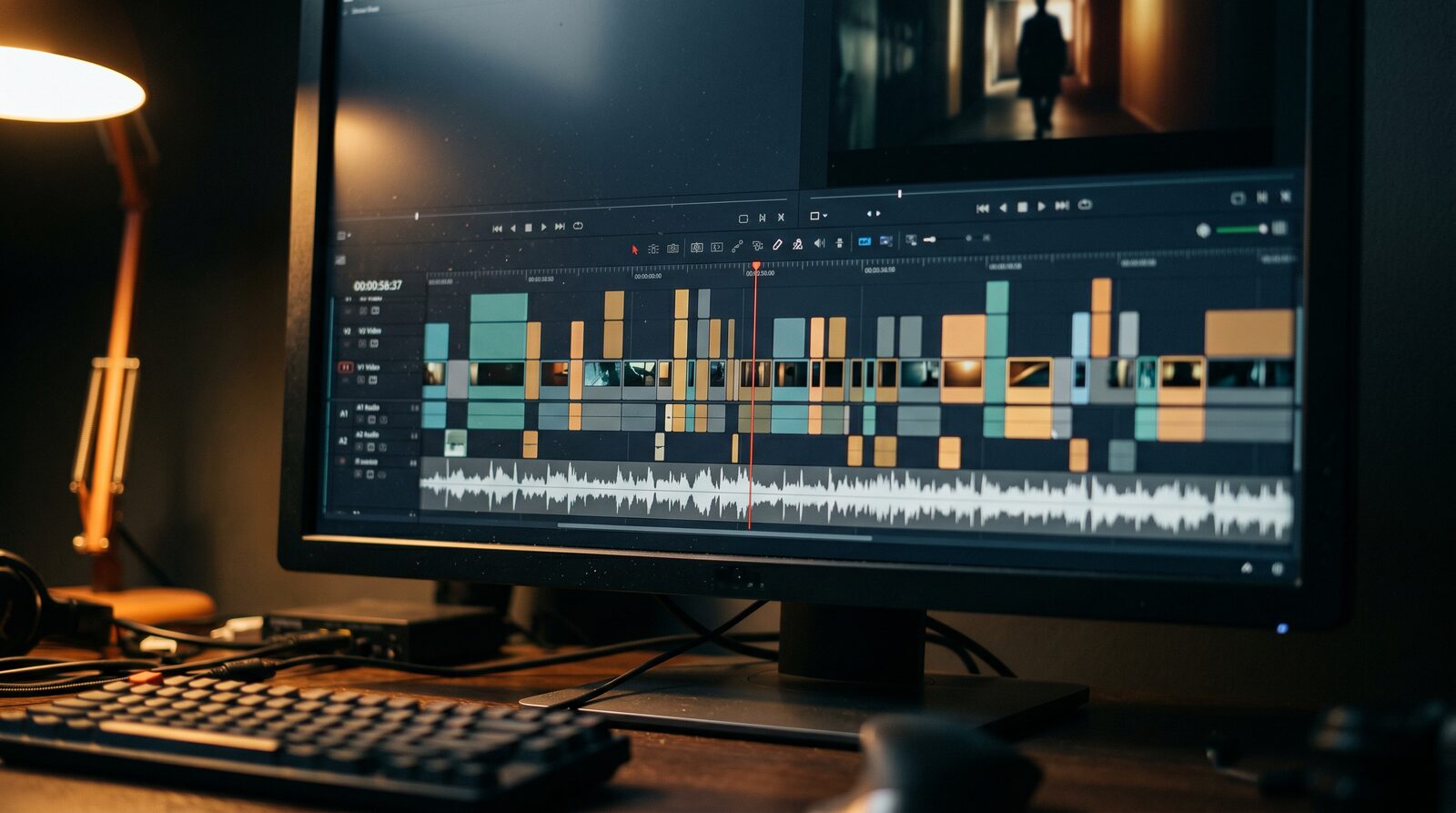
Making an AI drama series requires saving recurring characters so their faces stay identical in every shot, arranging a multi-scene storyboard, and generating short clips with dialogue audio. In AIGE, you lock your cast from reference photos, direct scene motion with Kling or Veo, and assemble episodes on the Canvas without switching tools. You do not need a rendering farm or complex node graphs to produce your first episode.
Micro-dramas on TikTok, YouTube Shorts, and Reels have exploded in popularity, ranging from serialized thrillers to workplace romances. The bottleneck has never been writing the script; it has always been keeping the same actors on screen from scene to scene. Here is the step-by-step production workflow that solves character drift and builds an episodic series on one board.
Step 1: Save your cast before writing the first episode
An episodic story fails immediately if your lead actor's facial structure changes every time the camera switches angles. Instead of retyping long physical descriptions into every prompt and hoping the model gets close, start by establishing your character identities in AIGE.
Open the AI character generator and upload five to eight reference photos of your character, or create one from a detailed prompt. Once saved, this character profile becomes a permanent asset in your project library. When you prompt future scenes, selecting your saved actor passes their facial embeddings into the generation pipeline, keeping cheekbones, eye color, and hair texture consistent across scenes.
Step 2: Break your script into an eight-shot storyboard
Short-form dramatic pacing works best in tight narrative arcs of sixty to ninety seconds. Break each episode into eight distinct visual beats: an establishing shot, a character entrance, a dialogue exchange, a reaction close-up, a plot turn, escalation, an emotional climax, and a cliffhanger hook.
On the AIGE Canvas, create eight storyboard frames in sequence. For each beat, set the aspect ratio to 9:16 vertical and generate a still reference frame using Nano Banana 2. Drafting your visual beats as stills first gives you complete editorial control over lighting and wardrobe before you spend credits on motion.
Step 3: Direct scene motion with the right video model
With eight reference stills pinned to your board, you transform them into moving footage using image-to-video mode. Drop your starting frame into the video picker and choose the model that fits the dramatic intent of the shot.
For cinematic close-ups and dramatic character turns, Kling V3 Pro excels at human motion without distortion. For scenes requiring sweeping camera pans or complex physics, Veo 3.1 Fast delivers fast turnarounds. Keep shot durations between four and eight seconds; micro-drama audiences respond to rapid cuts rather than lingering static takes.
Step 4: Generate dialogue and ambient sound natively
Visuals create the mood, but spoken lines carry the drama. Instead of recording separate audio tracks and trying to align them in third-party editing tools, use models with native sound synthesis.
When generating clips with Veo 3.1 or Kling V3 Audio in AIGE, you can specify character dialogue and environmental sound directly in your prompt. Describe the spoken sentence in quotation marks alongside auditory cues like rain against glass or a distant door shutting. The generator outputs an MP4 file with synchronized sound embedded in the audio track.
Model comparison for AI drama production
Different scenes require different combinations of speed, visual fidelity, and audio. Here is how the primary models compare for episodic production in AIGE:
Model | Best Drama Role | Clip Length | Native Audio | Credit Cost |
|---|---|---|---|---|
Kling V3 Pro | Dramatic dialogue & close-ups | 5 s / 10 s | Available | 56 to 168 credits |
Veo 3.1 Fast | Fast action & camera pans | 4 s / 6 s / 8 s | Included | 60 to 120 credits |
Veo 3.1 Pro | High-fidelity cinematic scenes | 4 s / 6 s / 8 s | Included | 160 to 320 credits |
Seedance 2.0 Fast | Rapid scene transitions & b-roll | 5 s | Included | 25 credits |
Because all four models sit in the same unified picker, you can use Seedance for quick transition shots and reserve Kling V3 Pro or Veo for emotional dialogue peaks, managing your credit balance across the whole season.
What AI drama generation cannot do yet
Producing an AI drama requires realistic expectations about today's tool capabilities. AIGE does not generate full twenty-minute films from a single text prompt, and automated script-to-movie generators do not produce watchable drama. You remain the director: you decide the cuts, curate the best generations, and arrange the emotional arc.
Additionally, while native speech synthesis produces convincing short dialogue lines, complex multi-character arguments in a single unbroken take often require splitting the exchange into shot-reverse-shot cuts. This technique mirrors traditional film directing and keeps character audio crisp.
Quick answers
Question | Answer |
|---|---|
Can I keep the same characters across multiple episodes? | Yes. Save your characters in the character library and select them for every image and video generation. |
Do I need external video editing software? | No. You can arrange shots, trim durations, layer audio, and export your episode directly on the AIGE Canvas. |
What format should I export for TikTok and Reels? | Select the 9:16 vertical aspect ratio during generation so your footage exports at native vertical resolution. |
How much does one 60-second episode cost to make? | Roughly 400 to 700 credits depending on your model mix, easily covered by a standard monthly plan. |
Do this next
Open the AI character generator and build your two lead actors. Once their faces are saved, open the Canvas, map out your first eight-shot storyboard, and generate your pilot episode using the AI video generator.


Comments
Be the first to comment.