To make an AI video for Instagram Reels that holds together from the opening hook to the final cut, start from a 9:16 vertical reference frame rather than a bare text prompt. In AIGE, generating a 1K 9:16 still with Nano Banana 2 costs 8 credits, locks in your subject, lighting and composition, and feeds straight into Kling V3, Veo 3.1 or Seedance 2.5 as a start frame.
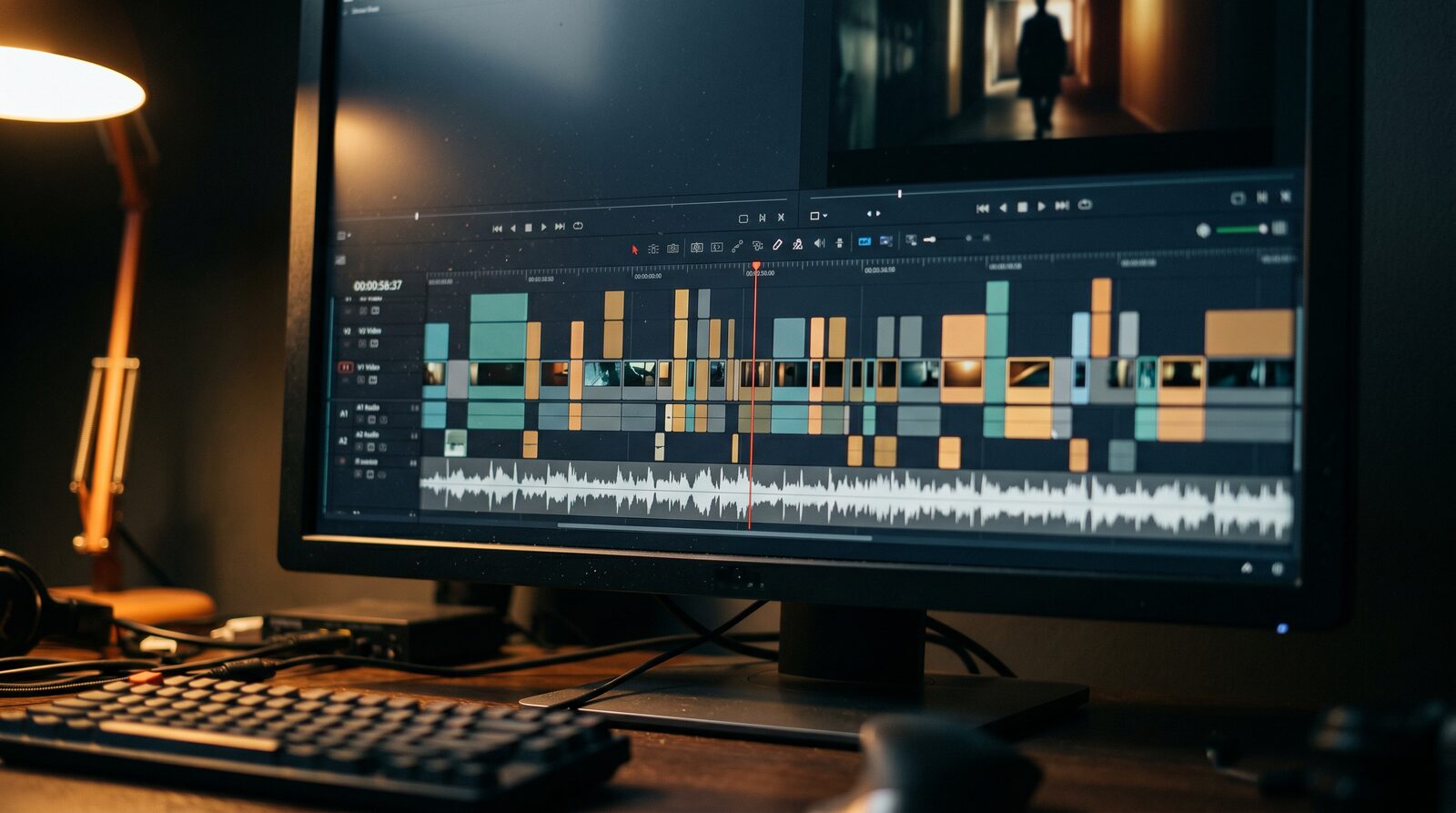
Because all three video families run in the same picker with native 9:16 vertical output, you can generate a 5-second hook, two 4-second B-roll cuts, or a single 15-to-30-second continuous take, assemble them on the Canvas video editor timeline, and export an MP4 ready to upload to Instagram.
Instagram Reels specs vs AI video models in AIGE
Model | Aspect ratio | Lengths in AIGE | Audio | Credits (example 9:16 clip) |
|---|---|---|---|---|
9:16, 16:9, 1:1 | 3 to 15 s (every whole second) | Silent or native sound | 5 s silent: 42 cr · 5 s sound: 63 cr | |
9:16, 16:9, 1:1 | 3 to 15 s (every whole second) | Silent or native sound | 5 s sound: 84 cr · 10 s sound: 168 cr | |
9:16, 16:9 | 4, 6 or 8 s | Native sound included | 4 s 720p: 20 cr · 8 s 720p: 40 cr | |
9:16, 16:9 | 4, 6 or 8 s | Native sound included | 4 s: 60 cr · 8 s: 120 cr | |
9:16, 16:9 | 4, 6 or 8 s | Native sound included | 4 s: 160 cr · 8 s: 320 cr | |
9:16, 16:9, 1:1, 4:3, 3:4, 21:9 | 4 to 15 s | Native sound included | 5 s 720p: 121 cr · 10 s 720p: 242 cr | |
9:16, 16:9, 1:1, 4:3, 3:4, 21:9 | 4 to 30 s | Native sound included | 10 s 720p: 463 cr · 15 s 720p: 694 cr |
Step-by-step: build a 9:16 Instagram Reel in AIGE
Generate a 9:16 start frame first (8 credits). Open the studio, set the aspect ratio to
9:16, and generate a 1K vertical image on Nano Banana 2 (or Nano Banana Pro at 15 credits). If your Reel stars a recurring host or creator, type@and select your saved character so the face matches the rest of your grid. Leave headroom in the top and bottom 15% of the frame so Instagram's Reel UI and captions do not cover your subject's face.Animate the frame with image-to-video. Send the approved 9:16 image to the video generator as the start frame. Describe one physical camera move and one subject action per clip — for example, a slow push-in while steam rises from a mug, or a tracking shot down an evening street.
Pick clip lengths that match your cut. A 12-to-15-second Reel works better when cut from two or three 4-to-5-second shots than from one wandering prompt. Use Veo 3.1 Lite (20 cr for 4 s) or Kling V3 Standard silent (42 cr for 5 s) to test the motion first, then render the hero shot on Kling V3 Pro or Veo 3.1 Fast. When you specifically want a single unbroken take with built-in shot transitions (`Shot 1 … Shot 2 …`), pick Seedance 2.5 up to 30 seconds.
Adding sound, music and cuts for Reels
You have three ways to handle audio on an AI Reel in AIGE:
Native model audio. Veo 3.1 and Seedance generate ambient sound and effects alongside the picture automatically, and Kling V3 has an audio switch you can turn on or off before each run.
Post-generation foley or instrumental music. If you generate a silent Kling clip, you can add synchronized sound effects afterwards with the studio's sound-to-video tool (2 credits for a 5-second clip) or generate a 30-second instrumental music bed (10 credits) and lay it under your cut on the Canvas.
What AIGE does not do: AIGE does not lip-sync a character to an uploaded voice track or clone voices. If your Reel relies on someone speaking to camera, record your own audio track on the Canvas video editor timeline over B-roll of your character, or see our comparison of AI avatar generators for dedicated talking-head tools.
What a 3-shot Instagram Reel actually costs
Suppose you cut a 14-second 9:16 Reel from three vertical shots of the same saved character, approving a 1K start frame before each clip:
3 start frames on Nano Banana 2 (1K, 9:16): 3 × 8 = 24 credits
Shot 1 (5 s hook on Kling V3 Pro with sound): 84 credits
Shot 2 (5 s B-roll on Kling V3 Standard silent): 42 credits
Shot 3 (4 s close-up on Veo 3.1 Fast with sound): 60 credits
That full 3-shot Reel totals 210 credits before retakes (about $5.30 on the Pro plan at $29/mo for 1,150 credits). See the full AI video cost table for every model and plan.
Exporting and posting to Instagram
Once your clips are trimmed and arranged on the Canvas timeline, export the finished 9:16 MP4 to your device. AIGE does not auto-publish directly to Instagram — you upload the exported MP4 in the Instagram app (where you can also attach trending Instagram audio or native captions) or drop it into your social scheduler of choice.
Comments
Be the first to comment.