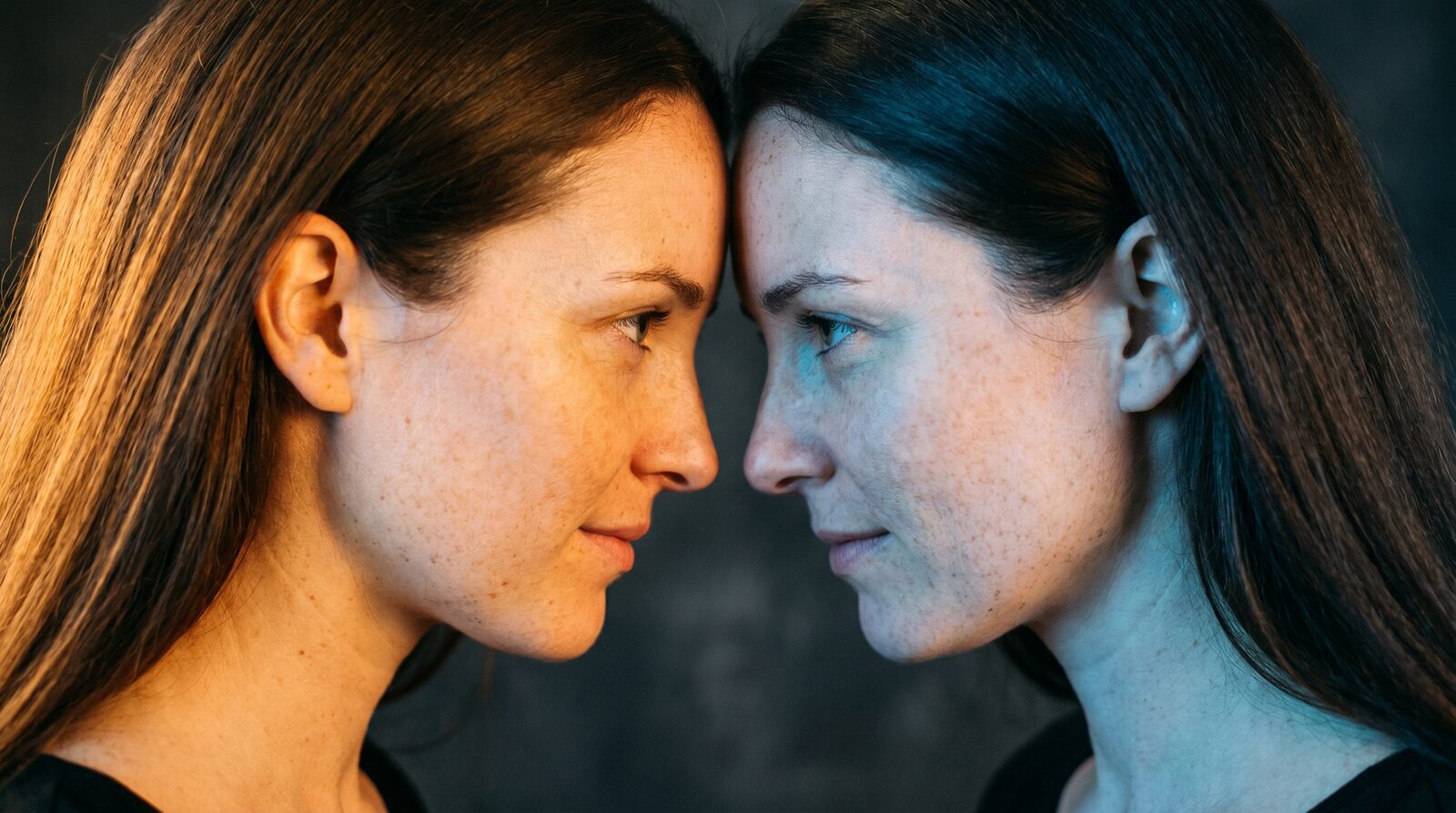
Search "what is a digital twin" and you'll get two completely different answers on the same page. One is an engineer explaining how factories mirror a jet engine in software to predict failures before they happen. The other is a creator explaining how they built an AI version of themselves that posts, chats, and shows up in videos without them being in the room. Same term, different universe. If you landed here from a creator angle, the factory answer isn't the one you need.
Two meanings, one search term
In industrial engineering, a digital twin is a live software model of a physical thing: a turbine, a supply chain, a building, kept in sync with sensor data so engineers can simulate wear, test changes, and catch problems before they happen in the real world. It's been around since the 2000s, mostly in manufacturing and aerospace.
In the creator world, the phrase got borrowed for something adjacent but different: a persistent AI version of a real person, not a simulation of a machine, but a consistent, ownable AI identity built from your own reference photos. It keeps your face and style locked across every generation, and unlike a one-off AI-generated image, it's designed to be reused, licensed, and controlled by the person it represents.
What an AIGE/AIGORA digital twin actually is
On AIGE, a digital twin starts as an AI character: a reusable identity built from your portraits, body references, poses, and (optionally) a voice sample, so every image and video generation locks onto the same face instead of drifting into a new person each time. That's the part you build first, in the Studio's character switcher.
A twin is what that character becomes when you publish it: the same identity, now listed on AIGORA, the creator marketplace side of the platform, with settings for pricing, rental terms, and content boundaries attached. Until you publish, it's a private character only you can see and generate with. Publishing is a deliberate step, not something that happens automatically.
The setup itself is a guided flow with real, distinct steps: Identity (the reference face), Look (materials: portraits, body refs, poses, voice), Economics (your credit rates), Rental (who can license the twin and for how long), Face Protection (tying the identity to a FaceShield registration so it can't be cloned without your consent), Detections (alerts if your face turns up in generations you didn't authorize), Boundaries (categories and words the twin should never produce), and a final Review step. None of that is filler. It's the actual publish checklist.
What it can do today
Being honest about maturity matters more here than almost anywhere else on the platform, so here's what's real right now, not what's roadmapped:
Generate consistent content. The core capability: the same face and style across images and videos, generated from the character/twin identity.
Get licensed for rental. Other creators can rent your twin under terms you set: hourly, daily, weekly, or monthly rates, with usage limits and allowed/prohibited use cases you define in the Rental step.
Show up on the marketplace. Published twins appear in the AIGORA gallery with a Published/Draft status, view and engagement stats, and a revenue summary.
Support paid conversations. AIGORA's messaging system supports paid messages between creators and fans, separate from the free direct-message flow.
Support creator subscriptions. Fans can subscribe to a creator directly, a separate monetization lane from twin rentals.
Get FaceShield protection. A twin can be registered with a FaceShield certificate, which is the consent record tying the identity to you and the basis for catching unauthorized use.
Honest note: "can earn" is doing real work in that sentence. It describes a mechanism, not a guarantee. Creator payments, paid twin rentals and withdrawals are currently paused. No earnings are promised. How much (or whether) a given twin earns depends on demand for it, same as any marketplace.
Your assistant, not your replacement
Put plainly: a digital twin is built to extend what you can produce, not to stand in for you in every sense. It generates content in your visual identity and can be licensed on your terms, but the terms, the boundaries, and the shutoff switch are yours. The Boundaries step exists so you can rule out categories and themes before anyone, including you in a rushed moment, generates something you'd regret. Think of it as a very consistent production assistant that happens to look like you, not a digital ghost running your business unsupervised.
How to create one
Build the character first. Use the Studio's character switcher to create a character from your reference photos. This is the private, reusable identity every twin is built on.
Generate with it a while. Use it for images and video like any other AIGE character before you decide to publish anything. There's no rush.
Add materials and set your terms. When you're ready, open twin settings: upload additional portraits/poses/voice, set your credit rates, and decide rental availability and limits.
Register with FaceShield. Protect the identity with a certificate before it's publicly listed. This is the step that gives you a consent record and unauthorized-use detection.
Set boundaries, then publish. Lock in what the twin should never produce, finish the review step, and publish to AIGORA. You can unpublish at any time.
If character consistency itself is the part you're still fuzzy on (how a model actually keeps the same face across dozens of generations), our guide to consistent AI characters covers that in more depth before you get to the twin/publish layer.
Quick answers
Question | Answer |
|---|---|
Is this the same "digital twin" engineers use for factories? | No. That's a live simulation of a physical machine or system. This is a persistent AI version of a real person, built for content generation and creator monetization. |
Do I need to publish my character to use it? | No. A character is private and fully usable for generation on its own. Publishing it as a twin on AIGORA is a separate, optional step. |
Will my twin definitely earn money? | No guarantee. Creator payments, paid twin rentals and withdrawals on AIGORA are currently paused. Publishing, posting and free items remain available. |
What stops someone from misusing my face? | FaceShield registration ties your identity to a certificate and can alert you to unauthorized detections; Boundaries let you rule out categories in advance. |
Can I unpublish a twin later? | Yes. Publishing and unpublishing are both supported; going private doesn't delete your character or its materials. |
Do I need a voice sample to publish? | No. Voice is one of several optional material types (alongside portraits, body refs, and poses); you publish with whatever materials you've added. |
Do this next
Start with the character, not the marketplace listing. Open the Studio, build your identity from a few reference photos, and generate with it before you think about publishing anything. When it feels like you on screen, twin settings and the AIGORA listing are one click away. And if face protection is a concern before you even get that far, our FaceShield guide walks through registering your likeness independent of whether you ever publish a twin at all.

Comments
Be the first to comment.