An AI storyboard is a storyboard whose frames are made by an AI image model from a script or shot descriptions, instead of drawn by hand. Each frame shows one planned shot, so you can check framing and order before paying for any video.
What a storyboard is, before the AI part
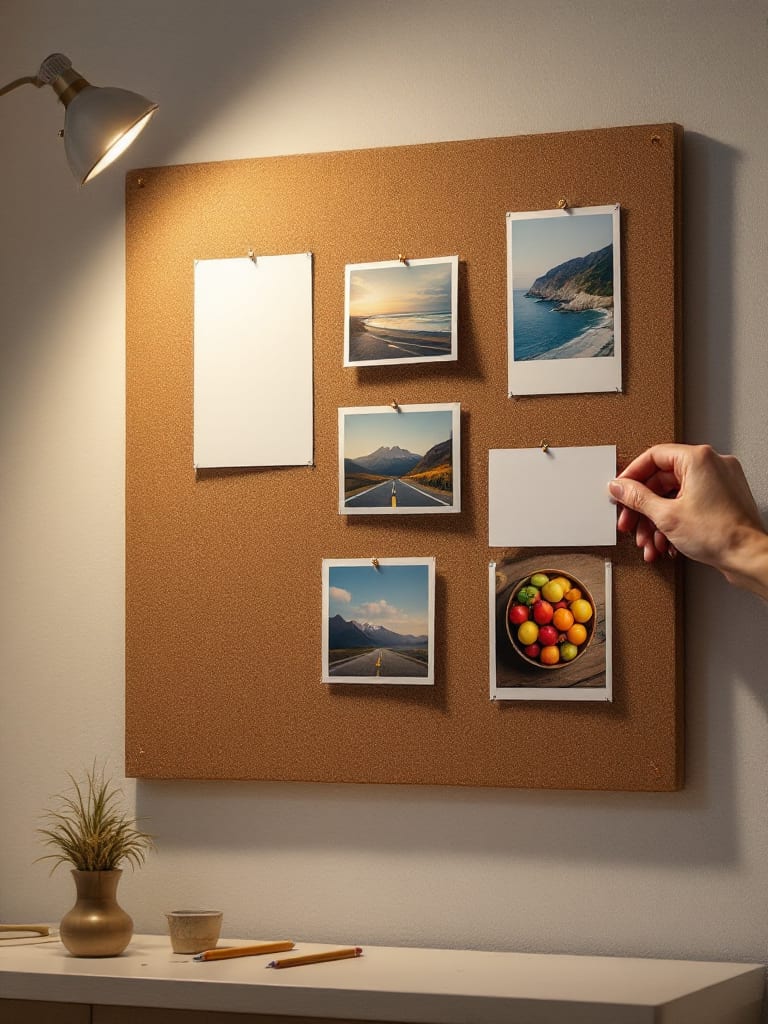
A storyboard is a set of panels, usually drawings, that preview the key action and scene changes planned for a film, TV show or ad. British usage also allows photographs in place of drawings. It is made before anything is shot, so changing your mind is cheap.
Two neighbors are easy to mix up with it. A shot list is the written version of the plan: a document that lists every shot, often with angles, lenses, movement and lighting. A storyboard is the visual version. An animatic comes next: the boards played in order as a rough early cut, usually paired with audio.
What makes it an AI storyboard
In this guide the term covers any storyboard where AI makes some or all of the frames, or helps split a script into shots. The order of work stays the same as for a hand-drawn board:
Break the script into shots. One beat of the story, one shot. A person can do the split, or a text model can propose a first pass for you to fix.
Write one visual line per shot. Subject, setting, camera, light and angle, in the same order every time.
Generate a frame for each shot. An image model makes the still. Redo any frame that misses the line.
Keep the cast and the look steady. Use the same character and the same style line in every frame, or the board reads as unrelated pictures. A saved character in AIGE carries one face across images (see character consistency).
Read the frames in order. Cut, swap or redo shots here, while a change costs one image.
Hand the approved frames to video. A frame can become the first frame of a clip; that step is called image-to-video.
How this looks in AIGE
For frames, use the AI image generator and lay the stills out in order on the Canvas board. A 1K still on Nano 2.1 costs 8 credits. A 5-second Kling V3 Pro clip without sound costs 56 credits. Settle the frames before you animate them.
The Canvas video editor also has a Storyboard mode in its Make panel. You type one line per shot, up to eight, and each line goes to the video model as its own paid clip, in order. All of them share the model and clip length you picked, and you can add one look line that is attached to every shot. That means Storyboard mode goes straight to video. It works like a shot list that renders, and there is no board of stills to review first. For that step, make the stills yourself, then animate the ones you approve with the From a picture mode in the same panel.
The AI film page covers the wider film workflow, and how to make an AI short film walks one project from first idea to final cut.
What a storyboard can't tell you
A frame is one moment. When you animate it, the frame fixes how the clip starts, not what happens after, so motion, camera moves and small details can differ from what you pictured. Check each clip against its frame.
Storyboard mode makes at most eight shots per run, so a longer film takes several runs. A storyboard also tests only the plan. Whether the pacing works shows when you watch the cut.
Honest note: This describes Storyboard mode as the Canvas video editor works today. The mode itself has no frames step; it makes clips only.
Quick answers
Question | Answer |
|---|---|
What is an AI storyboard? | A storyboard whose frames are generated by an AI image model from a script or shot descriptions, one frame per planned shot. |
How do you make an AI storyboard? | Split the script into shots, write one visual line per shot, generate a frame for each, keep the character and look steady, review the frames in order, then animate the approved ones. |
What is the difference between a storyboard and a shot list? | A shot list is a written document of the planned shots, with angles, lenses and lighting. A storyboard shows the same shots as pictures. |
Does AIGE have a storyboard feature? | Yes, in the Canvas video editor: Storyboard mode turns up to eight lines into clips. It makes clips, not stills, so for frames use the image generator. |
Is an AI storyboard the same as an animatic? | No. A storyboard is the still frames. An animatic plays them in order as a rough early cut, usually with audio. |





Comments
Be the first to comment.