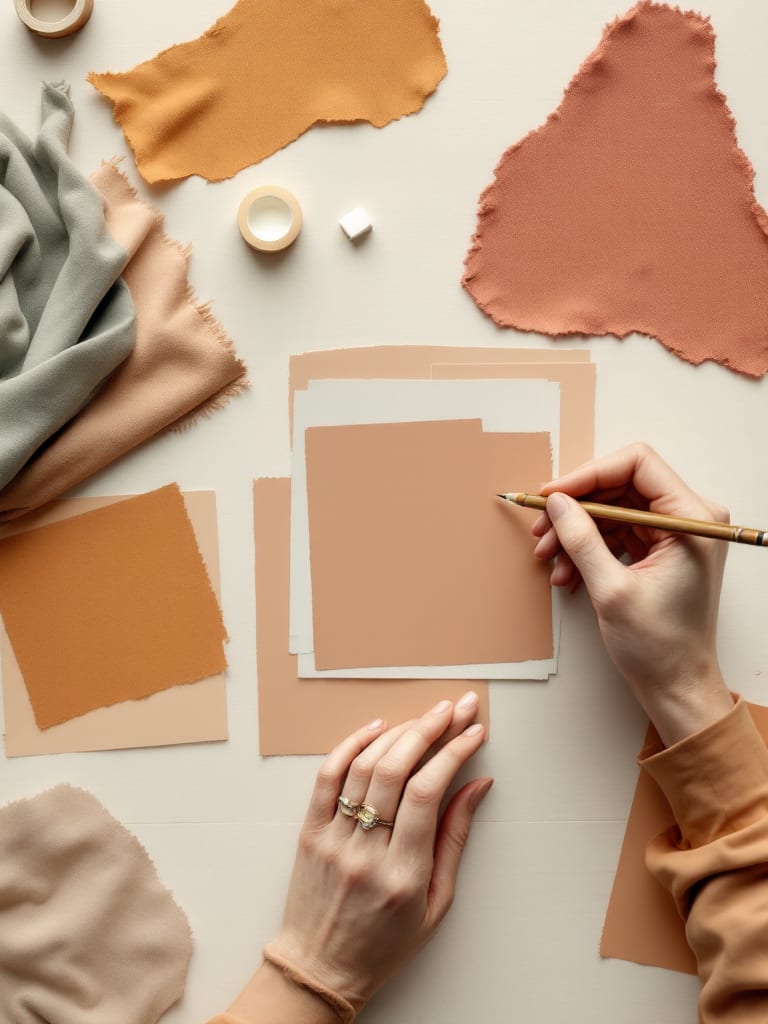
A mood board is a collage of images, colors, textures and sometimes words that shows the look and feel a project is aiming for. Designers make one early, before detailed work starts, so everyone agrees on a direction. You can build it from magazine clippings and fabric swatches, or from AI pictures arranged on a board.
What a mood board holds
It is a picture of a feeling, not a plan. The sources we read on 28 October 2026 describe it in close to the same words. The Designing Buildings wiki calls it a collage of design ideas, products, colors or other inspirations that conveys a mood. The Nielsen Norman Group, writing about UX, calls it a collage of images, video frames, patterns or text that gets a feeling across at a glance. Adobe's guide adds typography, textures and short phrases.
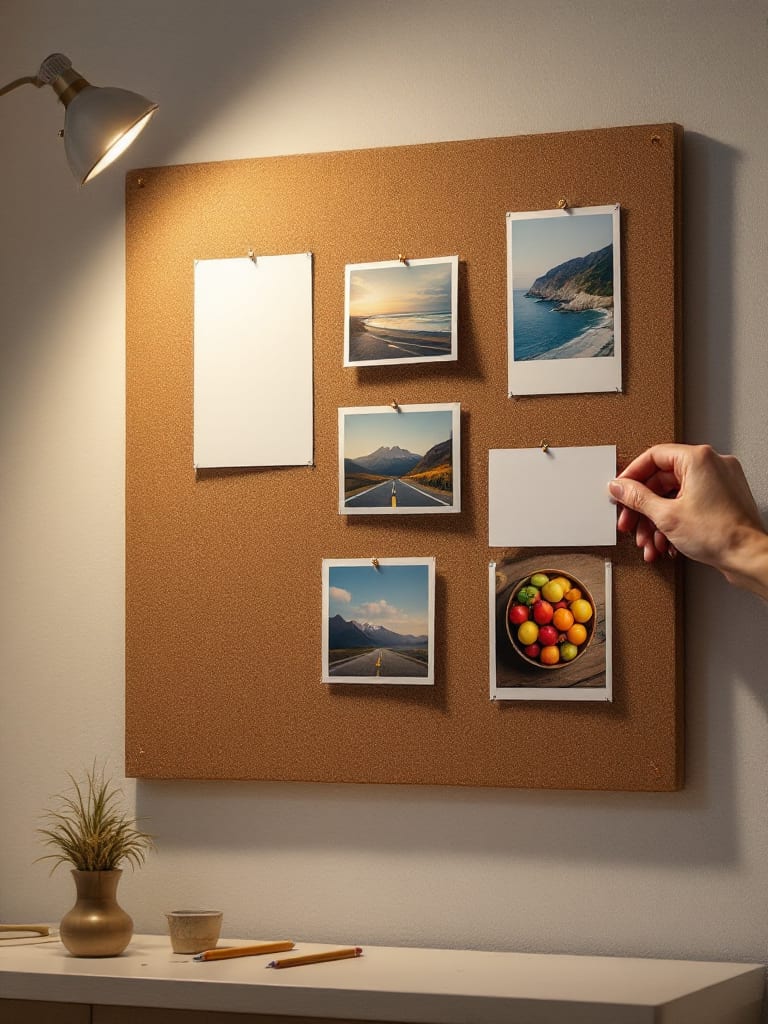
What sits on a board depends on the job. Early interior boards are often photos from magazines or the internet, and later ones can carry real samples such as flooring, tiles and color swatches. A brand board can gather a logo, a color palette, slogans and imagery. A UX board can hold screenshots from other products, plus words for the tone. The board itself can be physical, on foam board, cork or card, or digital. Wikipedia says digital boards make collaboration and editing easier.
What mood boards are used for
Interiors. Designing Buildings says clients use a board to develop a brief, designers use it to sort out their own thinking, and the client can check that the designer understood. Later boards check that the chosen items work together.
Brands and marketing. Adobe says a branding board gathers a logo, palette, slogans and imagery to guide packaging, marketing and website design. Wikipedia adds that teams use boards to keep a series of ads consistent with a brand's image.
Products and UX. The Nielsen Norman Group says to make a board early, in the define or ideate phase or at a major redesign, and to make several boards to test different moods before choosing one.
Fashion, events and shoots. Adobe lists fashion, events such as weddings and product launches, and campaigns and photo shoots.
A board sets a direction. It is not the design. Designing Buildings warns that a board can fix ideas too early, push style ahead of function and turn a nice board into the goal. The Nielsen Norman Group adds advice worth keeping, which comes to one mood per board: do not mix a calm or serious mood with a fun or cute one, and make a separate board for a distinct concept. A calm board and a playful board are two boards.
The steps, with or without AI
The sources' recipes boil down to four steps:
Name the job and the mood. Say what the board is for, then pick four or five mood words, which is the Nielsen Norman Group's number.
Collect the pictures. Photos, colors, textures and type. You search for them, clip them or use your own.
Arrange them. Make the key images larger, group like with like and leave space between them.
Share it and adjust. The Nielsen Norman Group notes that teams often do this with sticky notes.
AI changes step 2. Instead of hunting for pictures that exist, you describe the ones you want and a model makes them. The catch is that the pictures are new. They are not references to real tile, fabric or paint, and Designing Buildings notes that later boards can hold real samples. Steps 2 and 3 are where AIGE's Canvas comes in.
Step 2 in AIGE: make the pictures
This part is the laptop Canvas, which opens when you are signed in on a laptop. A phone is a different case. The phone board is switched on per account, and the signed-out phone demo only plays a prepared example, so nothing here is a phone walkthrough. AIGE on phone vs laptop compares the two.
The prompt island at the bottom of the Canvas has a hexagon button for model and generation settings. It opens a sheet called Make. On its Picture tab you get a grid of model tiles and then the rows that matter for a board:
Ratio. The shape of each picture. Pick one and keep it for the whole board so the tiles line up. 4:5 and 1:1 are both on every picture tile, and what is an aspect ratio covers the shapes.
Size. It shows only for models that have sizes, such as Nano 2.1.
How many. One to four pictures from one message. For eight pictures you send twice.
The tile sets the price. AIGE's own routing guide lists Nano Lite, at 4 credits a picture, for drafts, moodboards and bulk ideas, and says to avoid it for final hero images and fine text. Recraft Flash is among the cheapest tiles at 1 credit, but the guide lists photorealism among the jobs to avoid it for, so it suits illustrated or flat boards. A Nano 2.1 picture at 1K costs 8 credits. Which image model to pick in AIGE has every tile and what the guide uses it for.
Now the words. Write one shared line and keep it in every message: the palette, the materials, the light and a plain background. Change only the subject. For example:
A stack of hand-thrown bowls. Muted terracotta, sage and cream palette. Matte ceramic and rough linen. Soft window light from the left, about 5500K. Plain pale table. No text or logos.
The next message swaps the first sentence for "A folded linen apron beside a wooden spoon." and keeps the rest. The seven-slot template in what is a prompt in AI image generation is where this comes from. In our four-run test of lens, angle and light words, the light line moved the picture most, but only part of what we asked for showed up, and that test was one run per wording, on one model. Treat the shared line as a request, not a setting.
One more control sits beside the hexagon: the thinking dial. With it on Fast, Auto or Deep, an agent works your message and writes the prompt that goes to the model, so it can reword yours. On Manual your words go straight to the model and there is no agent fee. Manual's sheet is the shorter one, with no Auto tile and no Recraft Flash.
Step 3 in AIGE: arrange them on the Canvas
The pictures from one generation arrive together in a frame of their own. After that the board is yours to rearrange. What is an AI canvas explains the board itself:
Frames. The Frame tool draws an artboard at a preset size, such as Instagram post or A4 print, or at any size you drag. Select several pictures, right-click and choose Frame selection to wrap them. One frame per mood follows the one-mood-per-board advice above.
Align and Distribute. With pictures selected, the Design panel has six Align buttons: left, horizontal centers, right, top, vertical centers and bottom. Distribute spaces three or more of them evenly.
Notes. The Notes menu has a sticky note in six colors. Use one per mood word. The Text tool adds plain labels.
Your own pictures. Place image, in the Shapes menu, adds a photo or logo from your computer, and you can paste an image in as well. The menu says AIGE can use it as a reference.
Two buttons help once a picture catches the look. Select it, and under AI edit in the Design panel, Write its prompt reads the picture and puts words that would recreate it into a sticky note beside it, for 1 credit. It works on a photo you placed as well as on a picture AIGE made. Make 2 variations asks the model to keep the subject, style, color and framing and change only small details and the pose, for 16 credits. For a picture AIGE made, the Prompt section of the same panel shows the words behind it, with a copy button. The AI edit block is not on the signed-out demo board.
Keeping the look together
Nothing here locks a style. The Make sheet has no style setting: its rows are Ratio, Size and How many. What you can do is build the sameness yourself:
One model. AIGE's model pages say results differ by subject and advise running one prompt on two models before you settle. Choose before you build, and mix models only on purpose.
One ratio. Every tile then lines up, and the model composes each picture for that frame.
One shared line. The same palette words, light and background in every message. AIGE picks a fresh seed on every run, so the same line still gives a new picture each time. Expect to discard some.
To hand the model a picture to start from, attach one with the plus button on the island. Nano Lite, Nano 2.1, Nano Pro, GPT Image 2 and FLUX Pro take a reference picture. The Recraft tiles read text only.
If you save colors and fonts in AIGE's Atelier, the agent is handed them on each turn and told to use those exact color values in its prompts. That puts your values into the words. It locks nothing, and a Manual message does not go through the agent at all.
What a board of eight pictures costs
Take eight pictures: two messages with How many set to 4 and a ratio of 4:5. Here is what that comes to on three tiles. An agent turn is quoted from a floor because the agent fee is metered above its base.
Tile and settings | Where it runs | Eight pictures | On top |
|---|---|---|---|
Recraft Flash, 4:5, How many 4 | An agent turn (Fast or Auto) | 8 x 1 credit = 8 credits | An agent turn per message, from 2 credits each on Fast or Auto (Deep from 6 credits), so from 12 credits in all |
Nano Lite, 4:5, How many 4 | Manual | 8 x 4 credits = 32 credits | No agent fee, so 32 credits in all |
Nano 2.1, Size 1K, 4:5, How many 4 | Manual | 8 x 8 credits = 64 credits | No agent fee, so 64 credits in all |
Auto leaves the model to the agent, so the sheet cannot name a price for it until you send. In Manual, Send shows the exact total. On an agent turn it shows only the turn's floor, and once you pin a model the Make sheet's note shows the pictures' price. Trust those numbers over this table. Credits come from a paid plan, and your plan decides what you can make.
Honest note: the definition and the uses come from four pages read on 28 October 2026, and none of them mentions film, so we make no claim about it. The AIGE steps are read from the code and the credit table. We did not build a full board for this piece, we show no screenshots, and the cover is the only picture we made for it. A board of AI pictures shows a look. It cannot show how a tile, a fabric or a paint feels in a room, so for a real space you still want real samples. This is the laptop Canvas. The phone board is switched on per account, and the phone demo only plays a prepared example.
Quick answers
Question | Answer |
|---|---|
What is a mood board? | A collage of images, colors, textures and sometimes words that shows the look and feel a project is aiming for. It is made early, before detailed work starts, to agree a direction. |
What is a mood board used for? | Setting a direction for interiors, brands and marketing, products and UX, fashion and events. The sources we read describe it as a way to align people early and to check that a brief was understood. |
What goes on a mood board? | Images, colors, textures, typography and short phrases. Interior boards can later hold real samples such as tiles and swatches. Keep one mood per board. |
How do I make a mood board with AI? | Pick four or five mood words, make pictures with one model, one ratio and a shared line of wording, then arrange them in a frame on the AIGE Canvas on a laptop and add sticky notes. How many makes up to four pictures per message. |
Is there a free AI mood board generator? | Not on AIGE. Making an account costs nothing, but pictures cost credits from a paid plan, and a new account starts with 0. AI image generator without sign-up has the details. |
How much does a mood board of eight AI pictures cost in AIGE? | Eight Recraft Flash pictures cost 8 credits plus an agent turn per message, from 12 credits in all on Fast or Auto. Eight Nano Lite pictures in Manual cost 32 credits, and eight Nano 2.1 pictures at 1K in Manual cost 64 credits. In Manual, Send shows the exact price first. |
Does AIGE keep the same look across pictures? | Not with a setting. The Make sheet has no style row, so the sameness comes from one model, one ratio and a shared line of wording. Every run uses a fresh seed, so the pictures still differ. |
Can I make a mood board on my phone in AIGE? | This article covers the laptop Canvas. The phone board is switched on per account, and the signed-out phone demo only plays a prepared example. |




Comments
Be the first to comment.